Monday, 13 January 2020

My Scrap Chick - Teddy Bear Love

Hello, my friends!

Welcome to a new DT post for My Scrap Chick!

Today I have combined three great files to create a Valentine card:

Girlfriend Valentine Bear

Boyfriend Valentine Bear

Cupid Valentine Card

Here's my card:


Aren't those bears adorable?
There are several more in the shop to choose from!
I used the print/cut option for my card
but the file includes the cut option.
I think they'd be lots of fun to put together that way too!


I've placed these sweet bears on a background 
created with the Cupid Valentine Card File.
It comes with lots of fun layers and bits.
I used only some of them.
After adhering all the layers,
I added the bears with foam tape.
Finally, I added a little shimmer to all the hearts,
and to the little red bow.


This card was so much fun to make!
I'm going to have to play with more of the cute bears,
and this card file is one that is sure to be showing up again!


Other Materials Used:
Cricut Explore Air;
Recollections - Cardstock;
Spectrum Noir Shimmer Marker.

* * * * * 
Thanks so much for stopping by!
I'll be back soon with another fun project share!

 * * * * *
Have you signed up for the My Scrap Chick newsletters yet?
Don't forget to do that!
You really don't want to miss out on any of the great freebies! :o)

* * * * *
Here are all the links you need:


Tuesday, 7 January 2020

Quietfire Creations - Even A Small Star

Hello, my friends!

It's time for another project share for Quietfire Design! 

Today my project includes a fabulous stamp,
a great cut file, and some beautiful gilding powders.

Here's my card:


For all the details and product links,
 head on over to the Quietfire Creations Blog HERE.

* * * * *
While you're over there, check out the shop and the Designer's blog.
They're full of fabulous inspiration!

* * * * *
Here are all the links for you:


Monday, 6 January 2020

ScraPerfect - January Calendar

Hello, my friends!

Today I'm back with a new project for ScraPerfect! 
My first ScraPerfect post of the month has typically been my calendar page.
I thought I would continue that in this new year,
although I am changing the format.

 I missed the Memory Dex trend the last time it was hot.
It's a trend that has come back full force,
and I'm totally embracing it! 
I'll be using it for my 2020 Calendar Pages.


With this format I get to decorate the front and the back.
Unfortunately, I don't have any process photos for you.
We've had some dark and gloomy days here recently.
It can be tough to get good photos.


Here's January:


I began with a white cardstock memory dex card.
I added a piece of snowy looking paper.
I then cut the "January" out using my Cricut Explore Air.
It's such an intricate design.
It was easy to glue in place,
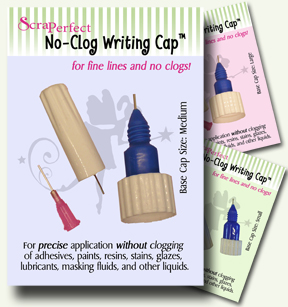
using the Best Glue Ever with the No-Clog Writing Cap.
Then I die-cut and embossed some snowflake swirl bits
to embellish my card.


Here's the back of the card. 
I added the same paper, as well as my January calendar.
I also added more of the cut/embossed bits.


Using my finger, I dabbed some Best Glue Ever,
onto the raised portions of all of the cut/embossed bits.
After letting it dry for a little while, 
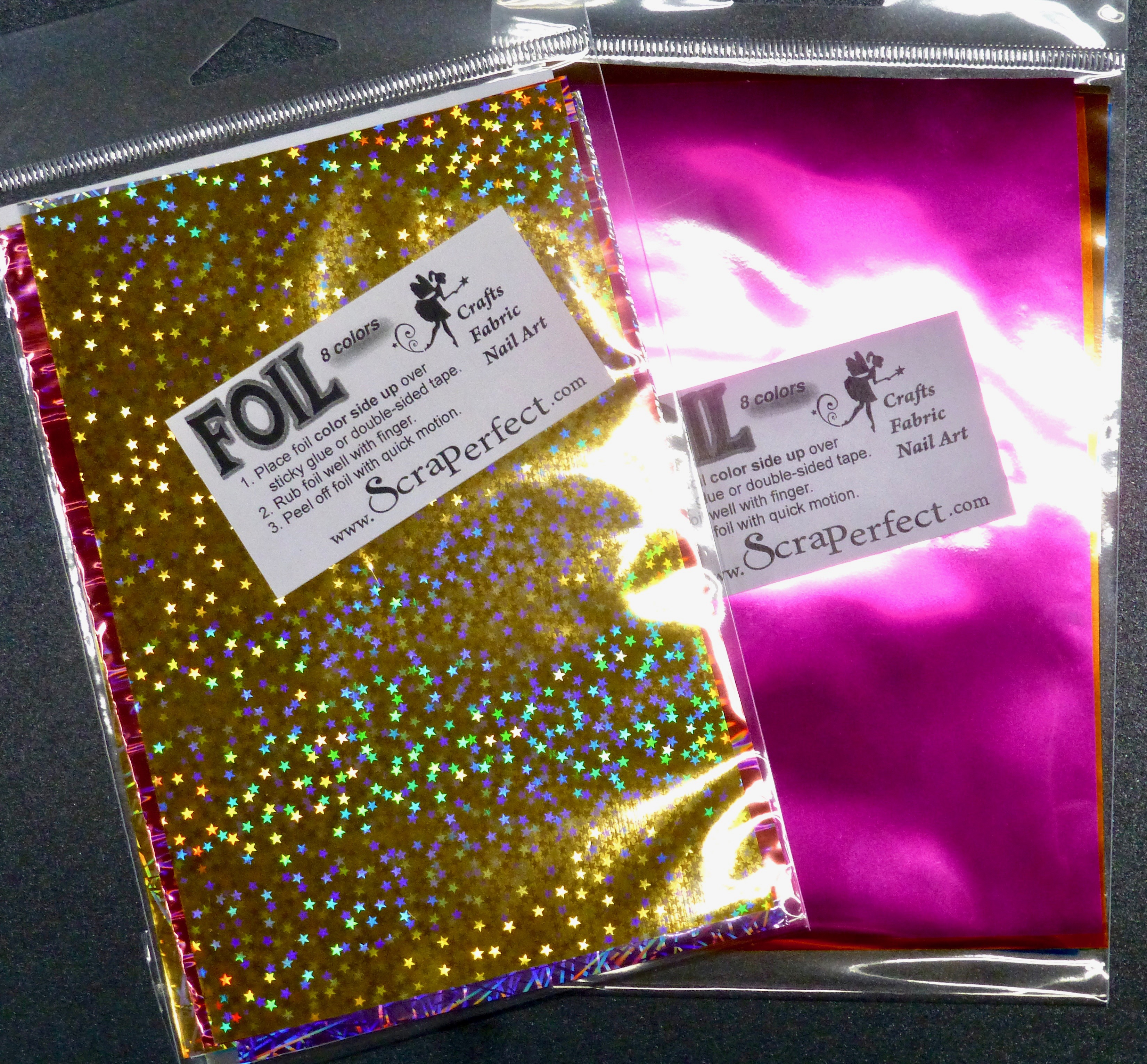
I laid a sheet of the white/silver Transfer Foils over top.
I burnished it well with my finger before peeling it back.
It left such a lovely shimmery accent!
In this photo, you can also see the tiny little silver stars that I added. 
I did this by leaving just a teeny tiny drop of glue.
The No-Clog Writing Cap allows you to do this. 
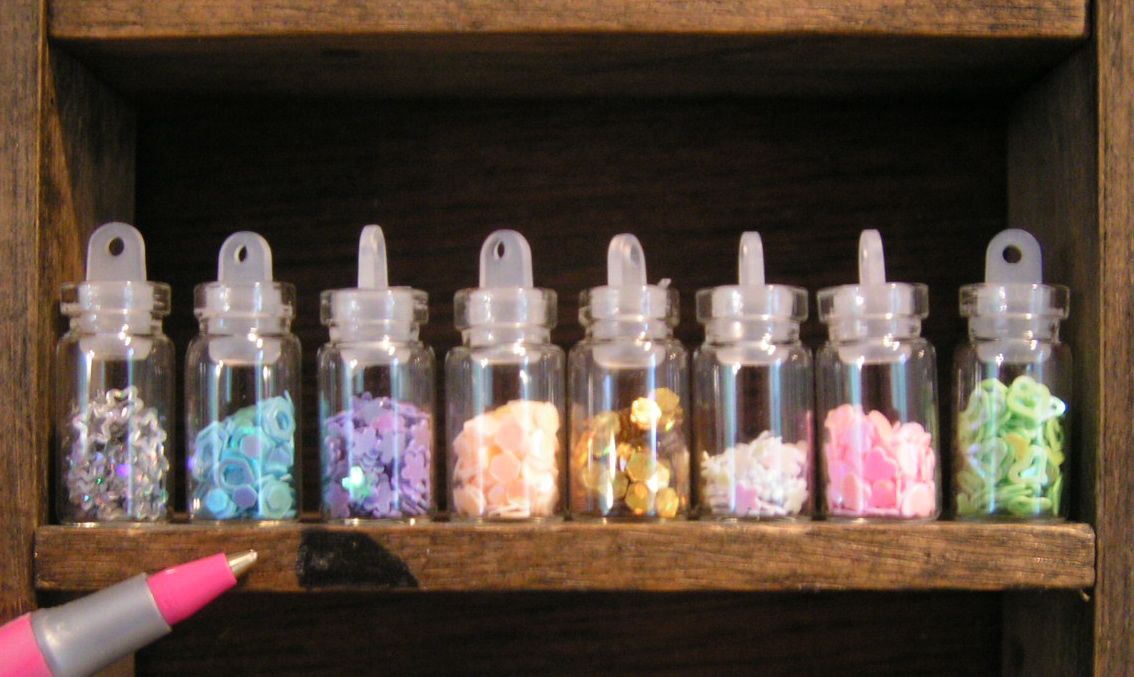
Then I used the Embellie Gellie to pick up the tiny silver stars, 
and place them on the dots of glue.


Here I nestled the shimmery corner pieces around the calendar,
and added some snowflakes.
Below is a close-up look at the foiled snowflakes.


This January Calendar card will the the first one on my Memory Dex.
Behind it I will add any other cards I do this month.
It would also be a good place to add a card 
with important January dates to remember. 
I seem to be needing those reminders more all the time! lol


Other Materials Used:
Papers: Recollections - Cardstock, 
Tim Holtz Paper Stash - Vintage Shabby;
Die: Creative Expressions - Festive Collection;


ScraPerfect Products Used:


* * * * *
Thanks so much for stopping by today! 
I'll be back soon with another project share!


* * * * *
Here are all the links for you:


Friday, 3 January 2020

Rinea Tutorial - Let It Snow!

Happy New Year, my friends!

Today I have a fun tutorial for Rinea.
I'm scheduling this post ahead of time,
and at this point it's my first blog post of 2020!

I'm going to show you how to make this fun tri-fold card,
using these fabulous foiled papers!

I'm using the "Frosted" collection for this project.
I think it's one of my favorite Variety Packs in the shop.
The colors are so beautifully frosty! lol

Here's my card:


It's hard to really see it, so I've taken lots of photos.
This is the front side:


This is the back side:


Here's how I made it:


Materials Used:

Sizzix Thinlits Die - Tri-fold Card, Snowflake;
Small Piece of White Cardstock;
Glittery Ribbon - Enough to tie a small bow.


1. Using the die, cut the card base out of the Turquoise/Turquoise Starstruck foiled paper from the Variety Pack.
2. Cut a variety of the snowflakes dies, using all the papers in the collection.
3. Cut the word dies from your chosen colors of foiled paper.

  
4. Gently score along the score lines of the card base. Then fold your card base flat, ensuring it is all square and even. 
5. Open the card up again, and embellish. The words are layered, and adhered in place to the front bottom of the front frame.


6. The snowflakes are all layered onto the snowflake in the center panel. Add them in order of biggest to smallest, from back to front.

7. Turn the card over and layer more on the other side.
8. Cut a piece of white cardstock and adhere it to the back of the card base. This provides you with a place to stamp/write your sentiment. Add a couple of extra snowflakes in the corner. 


9. Finally, tie the piece of ribbon into a bow, and adhere it to the front of the card.

Here's a final look at the card all folded up:


Thanks so much for stopping by today!
May you each enJOY a Healthy and Happy New Year!

* * * * *

Here are all the links for you:


Monday, 30 December 2019

Ephemoire - Winter Bird Cards

Hello, friends!

Today I have a fun new project for Ephemoire!

I am featuring two of my favorite items from the shop:

Winter Birds, 

and

Wood Texture Sampler.

These bird images are so beautiful!
There are LOTS of ways to get creative with these images and papers!
I confess that the Wood Texture paper collection 
has probably moved to the top of my favorites list! 
There are so many ways to use all the beautiful colors!

Here's what I made:


For all of the cards, I chose a wood background color that worked with the bird image.
I cut them to fit a white or kraft cardstock card base, 
distressed the edges, and adhered them in place.


For the first two cards, I die-cut a white cardstock wreath.
I then die-cu the bird image to fit inside the wreath.
I adhered them to the front of the card, leaving some leaves free.
I then curled up the leaves to give some added dimension.


Don't they look suitably frosty?


For the second two cards, I die-cut the wreaths from kraft cardstock.
Instead of die-cutting the image, I trimmed it town, 
and used a corner chomper on the corners.
I then adhered it to the card base at an angle
before adhering the wreath in place, on top of it.


Finally, I added some Stickles to the curled leaves.


I think these cards are great for so many different occasions!
I hope you make some of your own!


Other Materials Used:
Papers: Recollections - Cardstock;
Die: Spellbinders Shapeabilities - Wreath Die;
Corner Chomper: WRMK - Cloud;
Stickles: Frosted Lace;
Tim Holtz Distressing Tool.

Ephemoire Products Used:

Winter Birds

Wood Texture Sampler
* * * * *

Here are the links for you:

Southern Ridge Trading Company - Winter Album Cover

Hello, my friends!

I have a fun new post for Southern Ridge Trading Company!

I hope you've all been enjoying a wonderful Christmas Season!
 We've been enjoying beautiful frosty days!
The temperatures have been very mild,
with blue skies and incredible hoar frost!

That was the inspiration for my project today.
I've used some fabulous chipboard pieces
to decorate the front cover of an 8 x 8 album.


I began by pouncing some Picket Fence paint around the edges of the album.
Just enough to give it a frosty appearance.
Then I added the paper that looks like falling snow. 
I fussy cut some swirls out of a coordinating paper, 
and added them to the bottom of the page.
I thought they made fabulous snow drifts!


I inked two of the fun silhouette pieces from the Winter Kids set.
I think I have always done my silhouettes in black
but this time I did dark blue to work with the papers.
Then I adhered them in place on the swirls/snow drifts.


For the title on my page I used the Winter from the Winter Words piece.
I inked just the word part, and then adhered it in place on the album cover.
Once it was in place, 
I used white Crystal Drops to color the little snowflake,
as well as the snowy part.


In the photo below, you can see the great glossy finish on the snowy part.


Finally, I added three snowflakes, from the Snowflake set. 
I actually adhered them in place first,
and then covered them with the white Crystal Drops.


This was so much fun to make!
I can't wait to start filling it up!

Southern Ridge Trading Company Products:


Snowflake


Other Materials Used:
Binder from My Stash;
  Tim Holtz - Vintage Shabby Paper Stash;
Tim Holtz Paint Dabber - Picket Fence;
Distress Ink - Broken China;
Nuvo Crystal Drops - Simply White.

* * * * *
Thanks so much for stopping in today!
I'll have another project share for you in the New Year!

* * * * *
In the meantime, here are all the links for you:


Saturday, 28 December 2019

Arnold Grummer - Rose Casting Card

Hello, my friends!

 I have one final 2019 project to share with you for Arnold Grummer.
This will be a short post today,
as I'm sure many of you are still busy celebrating the Season!
I just had to make another card using my stash of paper casting pieces!

Here's my card for today:


This beautiful Rose design was another one of the Paper Casting Stamps 
provided to me by Rycraft!
I'm sure you'll want to check them out HERE.
They have an incredible selection!


Materials Used in My Project:

Arnold Grummer - White Cotton Linter;
Arnold Grummer - Iridescent Flakes;
Blender;
Rycraft Paper Casting Stamp - Rose;
Chalk: Unknown - Pink and Green;
Papers: DCWV Shimmer Cardstock - Pink;
Doily: From My Stash;
Ribbon: Celebrate It;
Marker: Spectrum Noir - Clear Sparkle.

* * * * *
Just as a reminder...here's how I did my casting:
 The one 8 oz bag of Cotton Linter was enough to make all of these pieces. I simply added a handful of Linter to the blender with some water, and blended. I wanted my Rose casting to have some sparkle in it, so I also added some of the Iridescent Flakes to the blender before blending. After pouring it through a strainer, I added the wet pulp into the casting stamps. Then it was just a matter of using a sponge and towel to remove all the water. I popped the shapes out of the stamps, and allowed them to air dry. You can find complete casting instructions at the Arnold Grummer Resource Page.


I wanted my Rose to have some color but I wanted to keep it soft and pretty.
I decided that chalks would give me the desired effect.
I used two shades of pink, and two shades of green.
After coloring it, I adhered it to a pink cardstock circle.
I then used foam take to mount it to my A2 tent-fold card base,
with a pretty white paper doily adhered in between.


Here you can see the pretty sparkle from the Iridescent Flakes.
I wanted just a little bit more shimmer,
so I went ever the Rose with my clear Shimmer Marker.


Finally, I added a pretty double looped bow to the top of the card:


I hope you enjoyed seeing another paper casting card!
This beautiful Rose design would be perfect for so many occasions!
As you can see from the stash I made,
I'll be sharing more finished projects soon!


 Don't forget to go visit Rycraft!
You can see all their fabulous designs by category HERE.

* * * * *
Then head over to Arnold Grummer 
for more inspiration and instruction!

Here are all the links:


Blog Archive